Add, Change or Remove a Leader
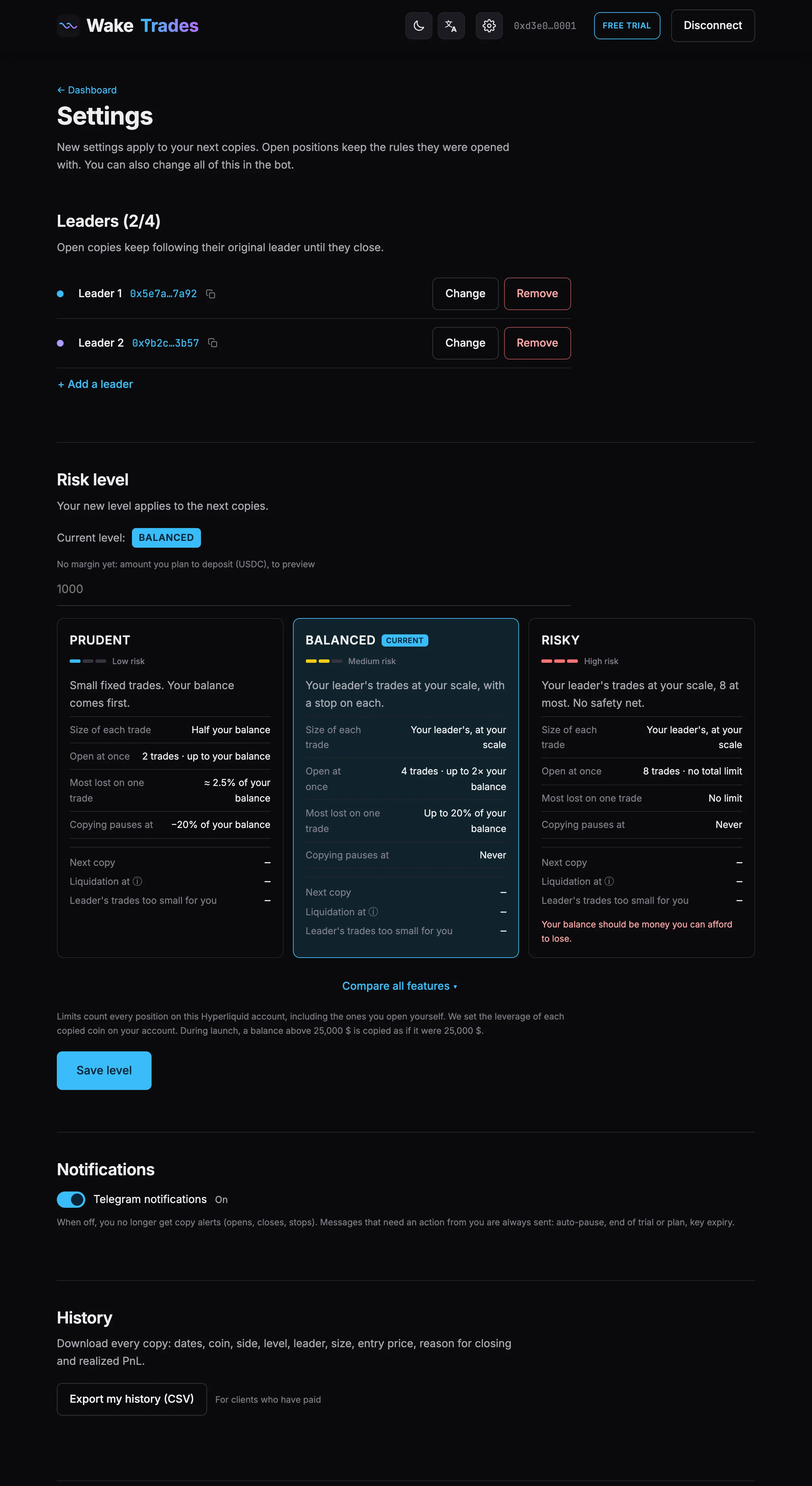
Follow up to 3 leaders, or 5 on Advanced, depending on your exposure level — add, rename, change or remove them from the site or the Telegram bot.
You manage your leaders in the Monitored Leaders section of the dashboard or of Settings, or in the bot.
How Many Leaders
| Level | Leaders |
|---|---|
| Prudent | Up to 3 |
| Balanced | Up to 3 |
| Risky | Up to 3 (at least 2 strongly recommended: with only one, an account can be wiped out) |
| Advanced | Up to 5 |
Each leader is copied at a fixed share of their positions: following fewer leaders lowers your exposure, it never concentrates it. See The Four Exposure Levels.
When two leaders open the same coin, the first to open takes it: your account holds one position per coin.
Add a Leader
- Click + Add a leader. The button is hidden once you reach the maximum of your level.
- Paste the trader's address and check their statistics.
- Click Save.
Change or Remove a Leader
- ✏️ (Change) — paste the new leader's address, then Save.
- ✕ (Remove) — confirm with Yes, remove. The ✕ appears as soon as you follow two leaders or more.
Open copies keep following their original leader until they close: they appear under Former leader on your dashboard.
Rename a Leader
Give each leader a name you'll recognize, like Whale or BTC swing.
- In the Leaders section of your dashboard or of Settings, click the leader's name (Leader 1 by default).
- Type a name, 24 characters at most.
- Press Enter. Escape cancels.
The name replaces Leader 1 everywhere: your positions, your orders, the leader's page and the Telegram bot. Only you see it. Clear it to go back to Leader 1.
If You Move to a Lower Level
Leaders beyond the maximum of your new level are paused: still listed, grayed out, and not followed. They resume when you move back up, or when you remove a leader above them.
From the Telegram Bot
/leaders— lists your leaders./leaders add 0x…— adds a leader./leaders remove 1— removes leader number 1.
The copy icon next to an address copies it, to check the trader on Hyperliquid or share it.