Link Telegram
Link your Telegram account to the WakeTrades bot, or skip it. Copying and your 14-day free trial start either way.
Telegram is where you follow your copies and get alerts on your phone. It's optional: copying starts as soon as your Telegram is linked, or as soon as you choose Skip for now, and so does your 14-day free trial. Without Telegram, your alerts appear on the site only; you can link it later from your Profile.
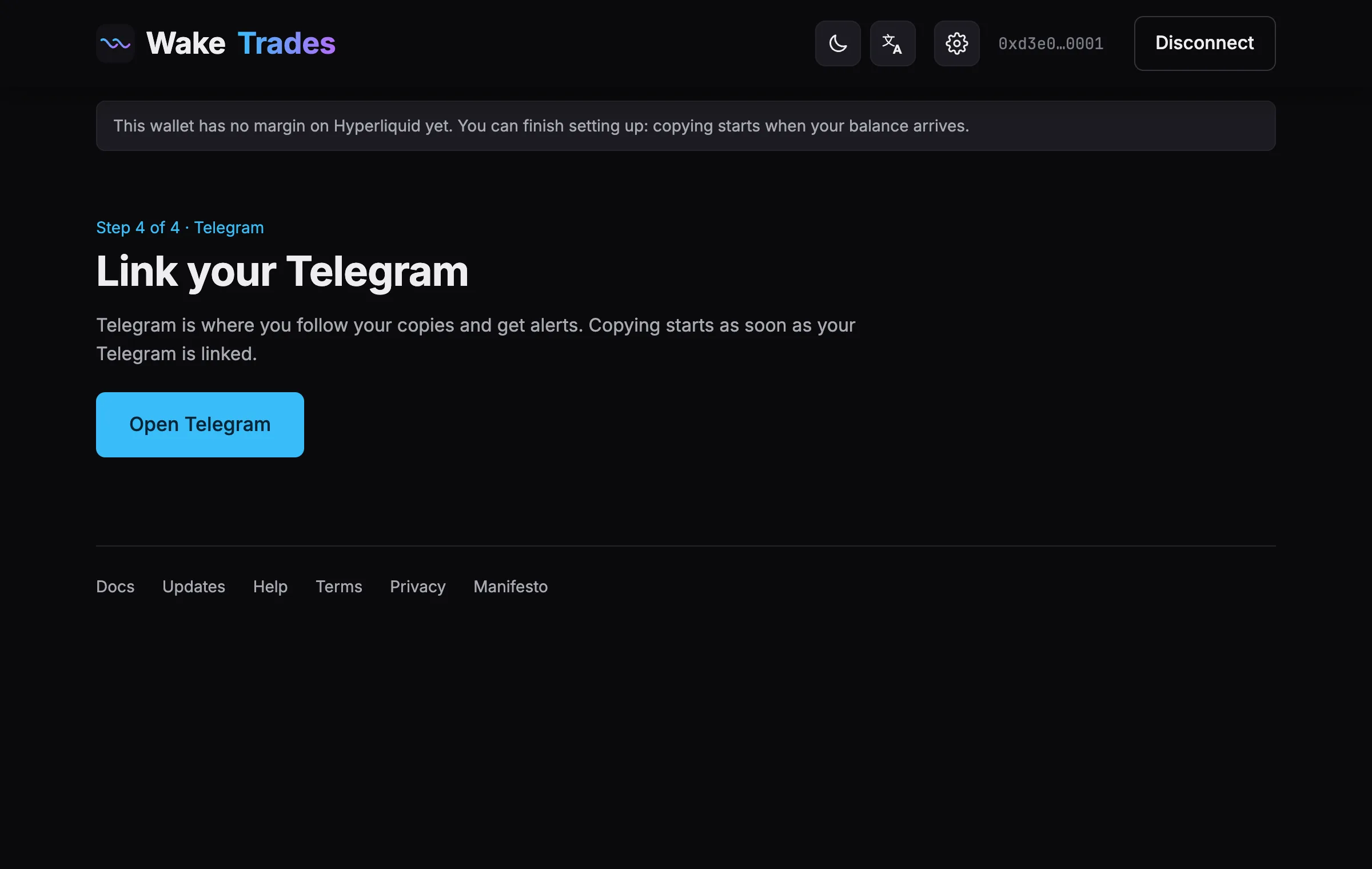
- Optional: give this wallet a name, such as Main. It shows in Telegram when your Telegram follows several wallets.
- Click Link with Telegram. A Telegram window opens: confirm with your Telegram account. The window closes and the WakeTrades bot writes to you.
- Or click Or open the bot and tap Start: our bot opens with a one-time link; in Telegram, tap Start.
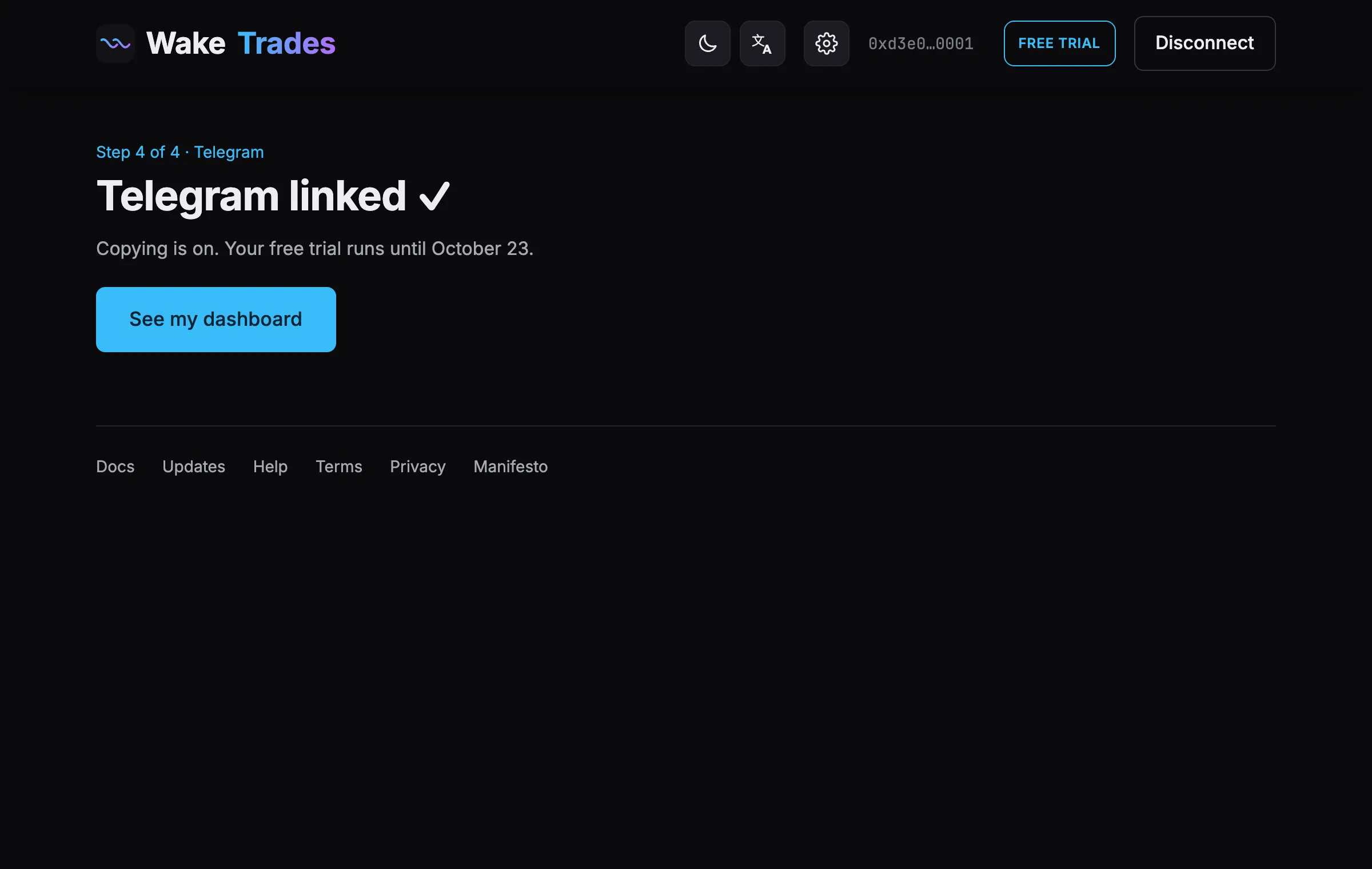
- The site shows Telegram linked ✓ and the end date of your free trial.
- Click See my dashboard.
One Telegram account can follow several wallets: 1 during the free trial and with the 1-month plan, 2 with the 3-month plan, up to 5 with the 6-month plan. To add a wallet, connect it on the site and link the same Telegram. An added wallet has no free trial and its own plan: it starts copying once that plan is paid. Over your plan's limit, the bot says so and nothing changes. If the link has expired, click Open Telegram again to get a new one.
You can change or disconnect your Telegram account later from your Profile. Next: Your Dashboard.