Change Your Exposure Level
Switch between Prudent, Balanced, Risky and Advanced at any time from the dashboard, Settings or the Telegram bot. Open copies keep their rules.
You can change your level at any time. The new level applies to your next copies: open positions keep the rules they were opened with.
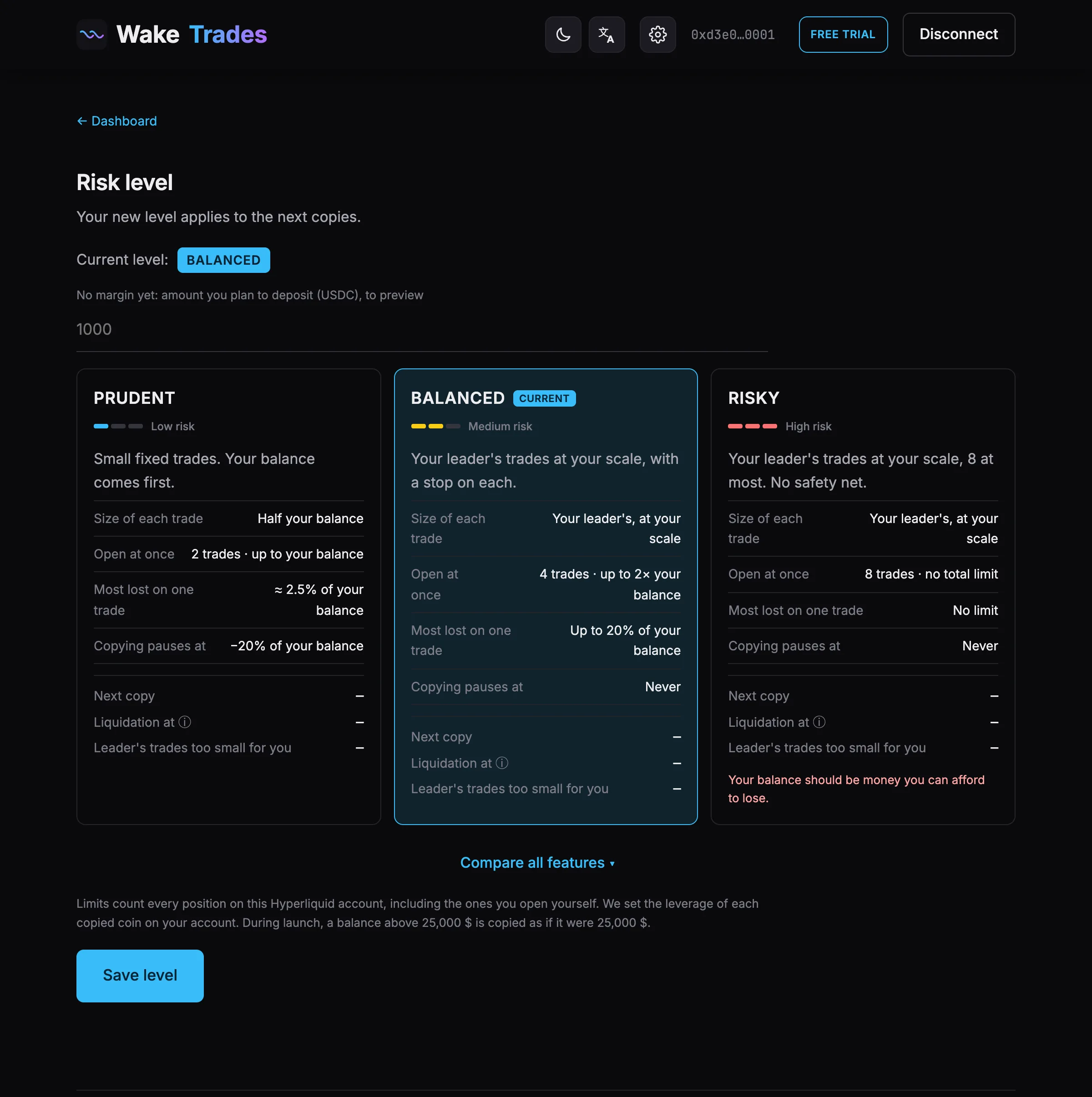
On the Site
- Click the ✏️ next to your level on the dashboard, or open Settings.
- Click the level you want. The page says “selected — click Save level to apply it.”
- Click Save level.
In the Telegram Bot
Tap Level (or send /level), then choose the new level.
Good to Know
- Moving to a lower level can pause some of your leaders: see If You Move to a Lower Level.
- Above 10,000 USDC, choosing Risky asks you to confirm that you understand it can lose everything.
- On Risky, we strongly recommend at least 2 leaders. Advanced is open with every plan, free trial included.
- Compare every rule in The Four Exposure Levels.