Your Profile and Telegram
Your WakeTrades profile — your wallet, your plan and its expiry, your trading key and its expiry, your linked Telegram account, your AI agent, and account deletion.
Open your Profile by clicking your address at the top of the page.
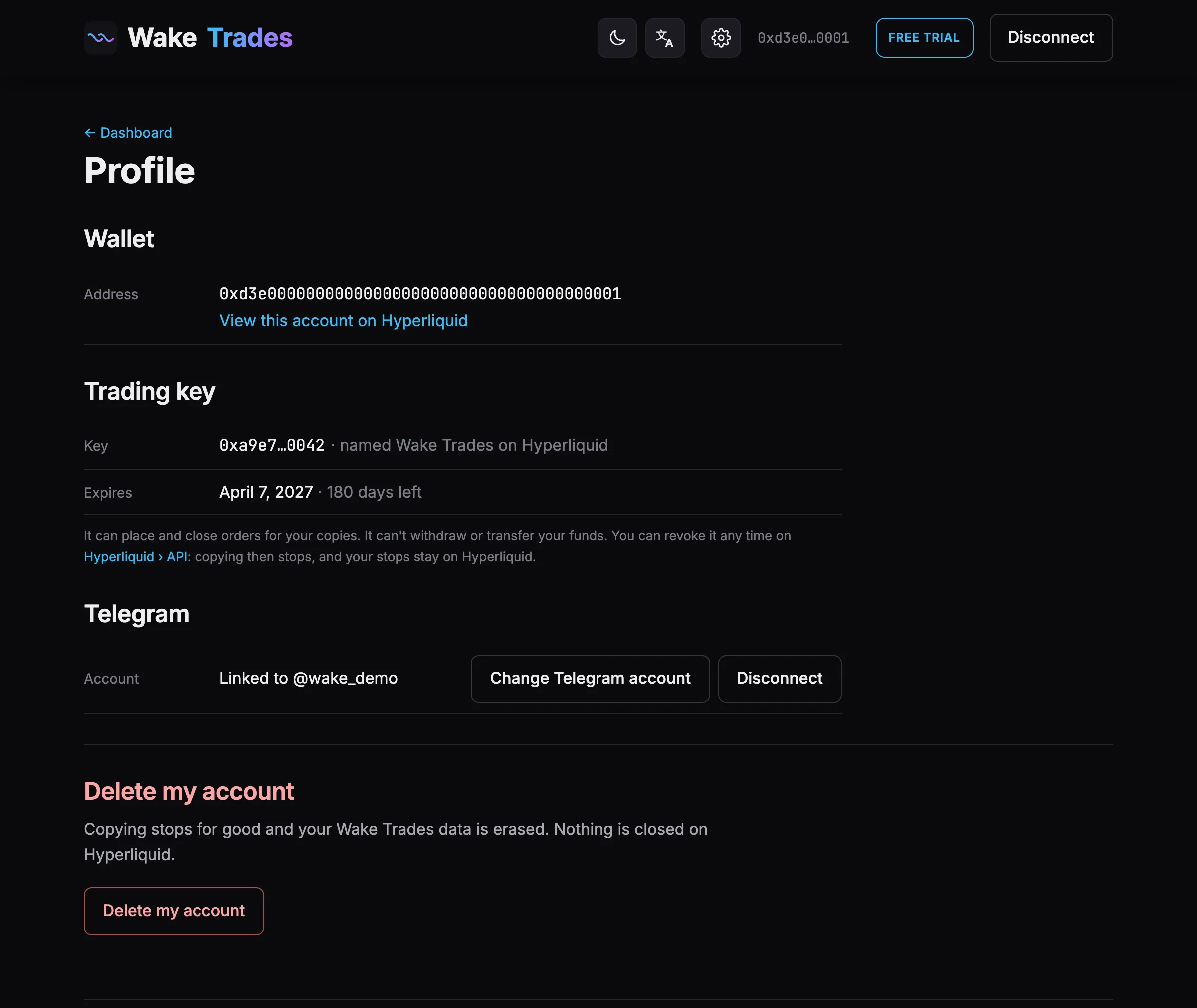
Wallet and Trading Key
- Wallet — your address, with a link to your account on Hyperliquid.
- Trading key — the key's address, named WakeTrades on Hyperliquid, and its expiry date. See Renew Your Trading Key.
Subscription
- Plan — your paid plan (1, 3 or 6 months), its expiry date and the days left. Near the end, a Renew → link opens the Subscription page.
- During the free trial, its end date. With no active plan, a link to choose one. See Free Trial and Plans.
Telegram
- Change Telegram account — open the link with the Telegram account you want to use, then tap Start. Copying continues during the change.
- Disconnect — copying continues, with alerts on the site only, until you link a Telegram again.
- Not linked yet (you chose Skip for now, or disconnected) — link a Telegram from here at any time.
AI Agent
Connect an AI agent gives your AI assistant a code to manage your copying (never withdraw or pay). Disconnect agent signs it out at once. See Connect Your AI Agent.
Delete Your Account
At the bottom of the page. See Revoke the Key or Delete Your Account.