Revoke the Key or Delete Your Account
Revoke the WakeTrades key on Hyperliquid, or delete your WakeTrades account from your Profile — what stops, what stays, and how to protect open positions.
Revoke the Key on Hyperliquid
At any time, on Hyperliquid › API, where the key is named WakeTrades. Copying stops as soon as the key is revoked, and your stops stay on Hyperliquid.
Delete Your WakeTrades Account
In your Profile, click Delete my account.
We check your copied positions. Each one needs your own stop-loss on Hyperliquid, or must be closed: once your account is deleted, nobody manages them. Stops placed by WakeTrades don't count.
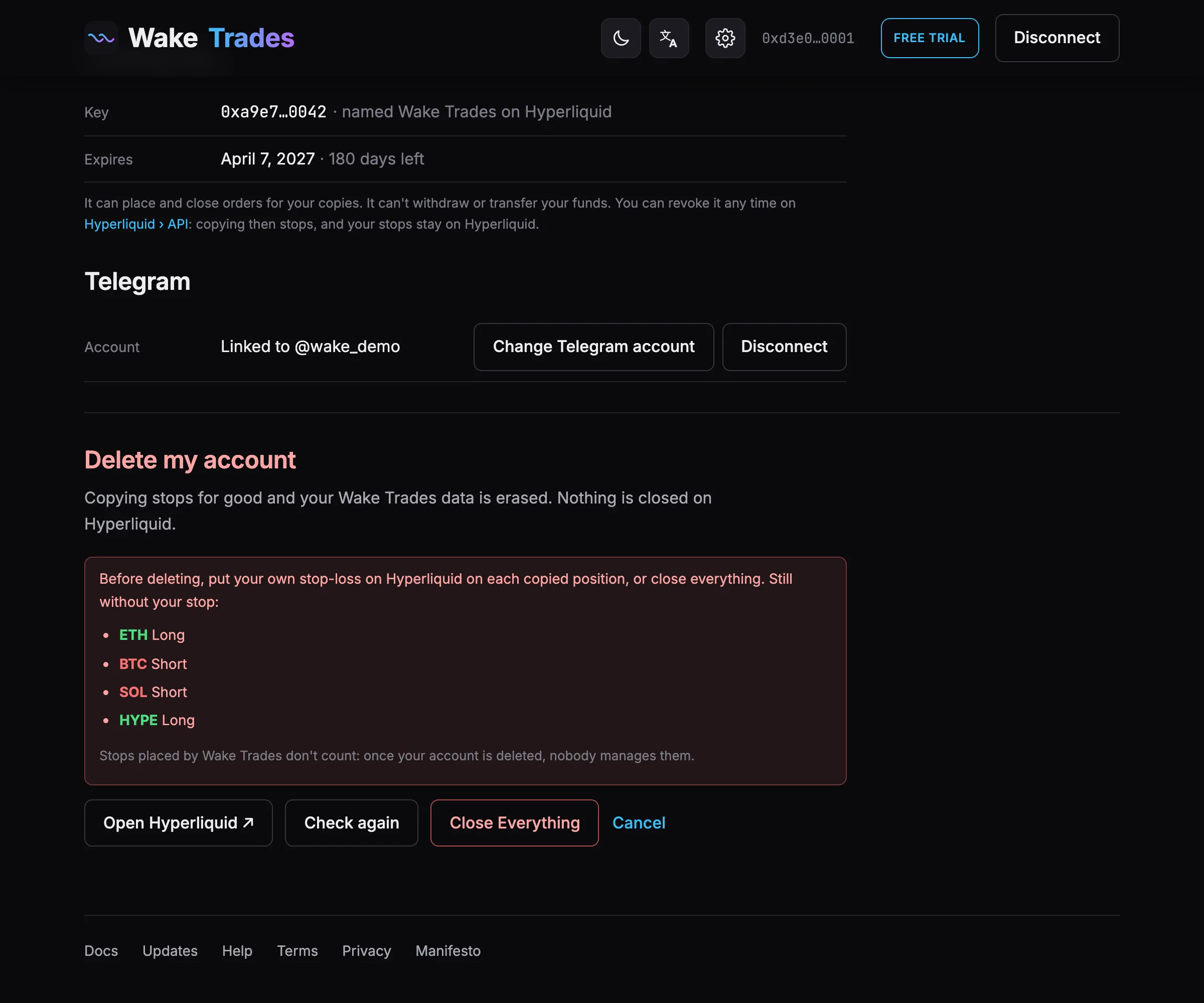
Put your stops on Hyperliquid (Open Hyperliquid ↗), then click Check again — or click Close Everything.
Read the summary, then click Sign in MetaMask and delete. MetaMask shows the message “Delete my WakeTrades account”: signing it is free and places no order.
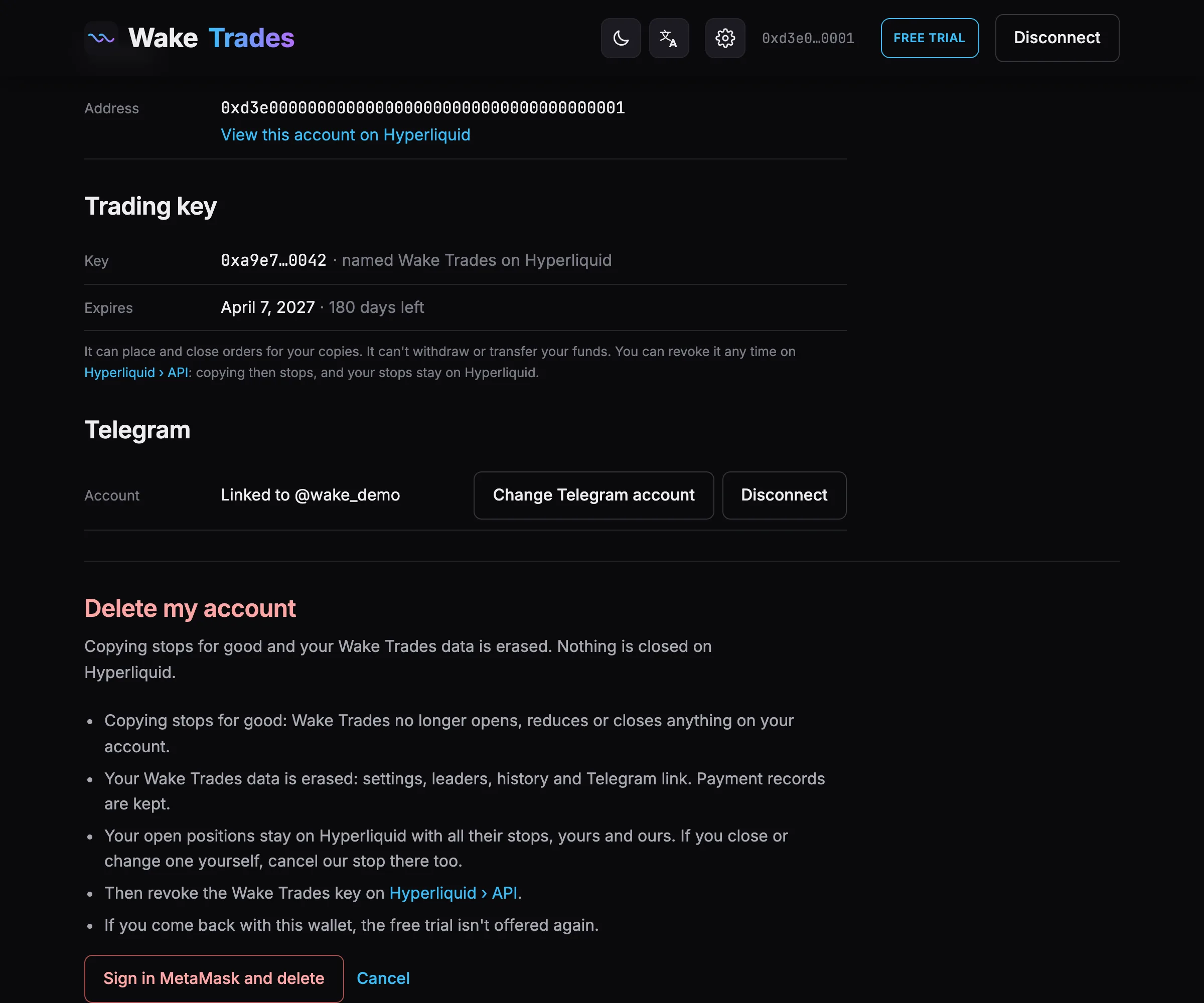
What Happens
- Copying stops for good: WakeTrades no longer opens, reduces or closes anything on your account.
- Your WakeTrades data is erased: settings, leaders, history and Telegram link. Payment records are kept.
- Your open positions stay on Hyperliquid with all their stops. If you close or change one yourself, cancel our stop there too.
- A paid plan ends with the account, without refund.
- If you come back with this wallet, the free trial isn't offered again.
After deleting, revoke the WakeTrades key on Hyperliquid › API.